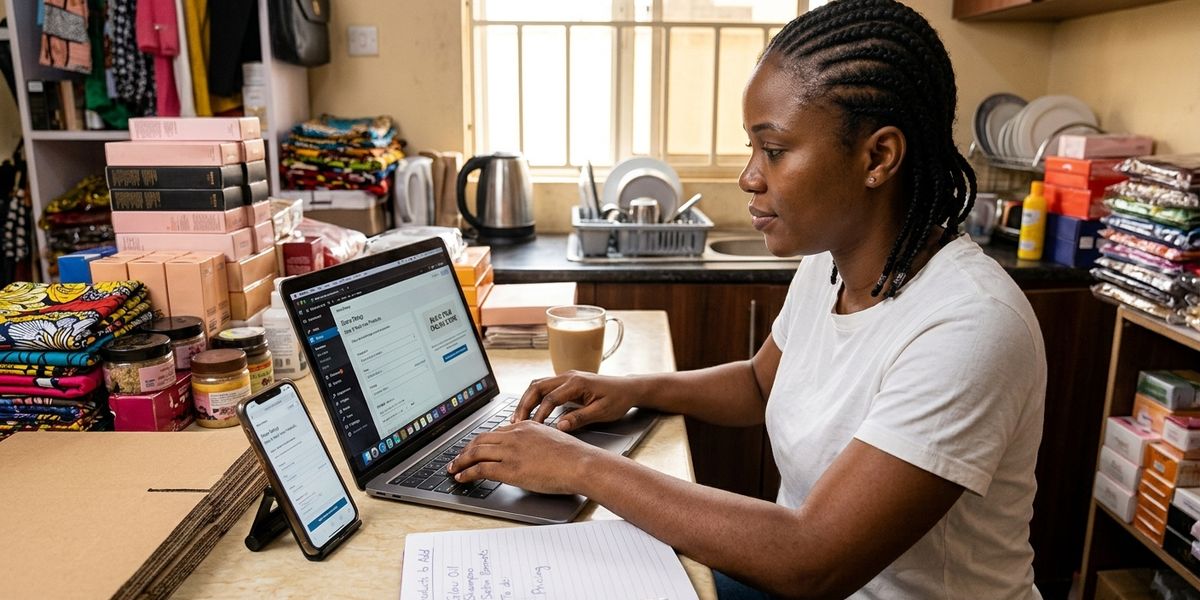
How to Create an Online Store Without Hiring a Developer
You don't need a developer or coding skills to launch an online store in Nigeria. Here's what you actually need, step by step
How to Create an Online Store Without Hiring a Developer
A lot of Nigerian sellers put off building a proper online store because they assume it means hiring a developer, paying for custom design work, and waiting weeks for something to go live. That used to be closer to true. Today, most sellers can set up a functioning store themselves, without writing a line of code or paying anyone to build it for them. This guide walks through what that process actually looks like.
Why people assume they need a developer
The assumption usually comes from thinking about "building a website" the old way: custom design, a developer writing code, hosting to configure, and ongoing maintenance whenever something breaks. That approach still exists and still makes sense for large, complex businesses with specific technical needs. It's simply no longer the only option, or even the most common one, for a small or growing seller who mainly needs a catalog, a way to take orders, and a way to get paid.
What you actually need for a basic online store
Strip away the assumptions and a working online store needs four things:
- A place to list your products, with photos, descriptions, and prices
- A way for customers to place an order, whether that's a full checkout or a structured order request
- A way to collect payment, ideally without manually verifying every bank transfer
- A way to know delivery is handled, even if that's just a clear policy you communicate
None of these require custom code. Store-building platforms exist specifically to handle all four without you needing technical skills.
Step 1: Choose a store builder, not a developer
Instead of hiring someone to build a website from scratch, use a platform designed for this. These platforms typically give you:
- A ready-made storefront you customize with your branding, logo, and colors
- Built-in product management, so you add items through a simple form, not code
- Payment gateway connections already set up, so you're not integrating anything yourself
- Order tracking built into the same dashboard where you manage products
The tradeoff is less design flexibility than a fully custom build, which for most small and growing sellers is the right tradeoff: a working store today instead of a custom one months from now.
Step 2: Set up your storefront
Most platforms walk you through this directly:
- Choose a store name and web address (often a subdomain like yourstore.platform.com to start, with the option to add a custom domain later)
- Add your logo and pick brand colors
- Write a short description of your business
This part typically takes minutes, not days.
Step 3: Add your products
- Upload clear photos for each item
- Write short, honest descriptions rather than copying generic supplier text
- Set accurate prices and stock levels
- Group products into categories if you have more than a handful
If you're moving from WhatsApp or Instagram, you likely already have most of this content. Migrating it into a structured catalog is usually the fastest part of the whole process.
Step 4: Connect payments
Look for a platform that connects directly to a payment gateway (Paystack, Flutterwave, Moniepoint, or Monnify, for example) so customers can pay by card, transfer, or USSD without you manually verifying each transaction. This is one of the clearest advantages of using a store builder over a fully custom site, since the payment integration comes ready to use rather than something you'd need a developer to wire up.
Step 5: Set your delivery and store policies
Add your delivery pricing, timeframe, and return policy directly to the store. Customers trust a store more when this information is visible upfront, rather than something they have to ask about. See how to deliver products to customers in Nigeria for how to think through pricing this properly.
When you might still need a developer
There are legitimate cases where custom development still makes sense:
- You need a highly specific feature no existing platform offers
- You're building something far beyond a standard storefront, like a custom marketplace with unusual rules
- You have in-house technical resources and want full control over every detail
For the large majority of Nigerian sellers moving from WhatsApp, Instagram, or word-of-mouth to a proper online presence, none of these apply, and a store builder gets you live faster and cheaper.
Common mistakes people make trying to avoid hiring a developer
- Trying to build a fully custom site with limited technical skill and getting stuck. If you're not equipped to code, don't start there. Use a builder made for non-technical users.
- Choosing a platform based on design flexibility alone, ignoring payments and order management. A beautiful storefront with no reliable checkout doesn't solve the actual problem.
- Skipping the product photos and descriptions because "I'll add them later." A store with an empty or generic catalog doesn't convert, no matter how well it's built.
- Not testing the checkout before sharing the store link. Place a test order yourself before sending customers to it.
How Zerrar fits in
Zerrar is built specifically so sellers can set up a full storefront, product catalog, payments, and order tracking themselves, without hiring a developer or writing any code. You can create your online store on Zerrar directly, using photos and pricing you likely already have from WhatsApp or Instagram.
Frequently Asked Questions
Do I need any technical skills to build an online store in Nigeria? No, not if you use a store-building platform designed for non-technical users. You'll add products, set prices, and connect payments through a normal interface, not code.
How long does it take to set up a store without a developer? Using a store builder, a basic storefront with products listed can typically go live in under a day, depending on how much product content you already have ready.
Is a no-code store as reliable as a custom-built website? For catalog, checkout, and payment functionality, yes. Store builders are used by large numbers of businesses and are built specifically to handle these functions reliably.
Can I add a custom domain later if I start with a subdomain? Many platforms support adding a custom domain once you're ready, so you're not locked into the initial subdomain long-term.
What if I need a feature my store builder doesn't offer? Most common needs, catalog, checkout, payments, and order tracking, are covered by standard store builders. For genuinely unusual requirements, that's when custom development becomes worth considering.
Conclusion
Building an online store no longer requires a developer, a budget for custom design, or any coding knowledge. A store builder handles the technical parts so you can focus on what actually matters: your products, your pricing, and getting orders to customers reliably.
CTA
Ready to build your store yourself, no developer needed? Create your online store on Zerrar and get a full storefront live using the products you already have.